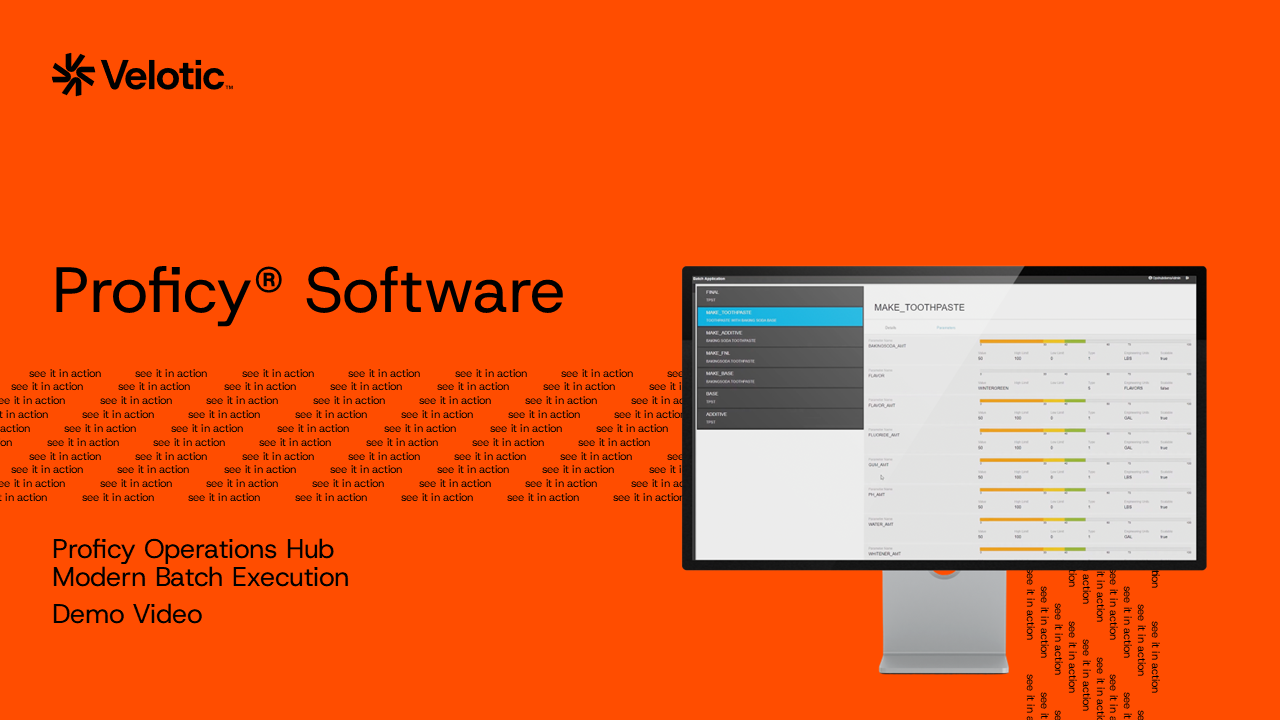
Explore Batch Recipes and Execution
See how operators and other users can interact with Proficy Batch through displays created in Operations Hub. The demo shows how to:
- View available recipes and recipe details
- Review recipe parameters, ingredients, and equipment
- Compare information across different recipes
- Create a new batch from a selected recipe
- Monitor batch status and execution
- Use electronic signatures for controlled actions
- Capture user actions in the batch audit trail
- View batch steps and operations throughout execution
Connect Visualization and Batch Operations
Proficy Operations Hub provides a web-based application environment for creating industrial applications and displays, while Proficy Batch provides batch execution, recipe management, electronic signatures, and audit trail capabilities. Together, they can give users a tailored interface for interacting with batch processes and production information.
Fill out the form to watch the demo.